The Best AI Tools for Small Business in 2026
The best AI tools for small business in 2026, sorted by the job they do: assistants, content, docs, automation. Plain-English picks and real prices for SMEs.

Every week another “top 50 AI tools” list lands in your inbox. Most are useless to a busy owner. You do not need 50 tools. You need the two or three that actually move work off your desk.
In a nutshell: The best AI tools for small business are the ones that solve a job you already have, not the ones with the longest feature list. Start with one general assistant, add a content or design tool if you make a lot of marketing, layer in automation only once the basics stick. Most have free tiers, so you can test before you pay. Below is a simple AI tool stack sorted by the job it does, with current prices so you know what you are signing up for.
1. Start with one AI assistant
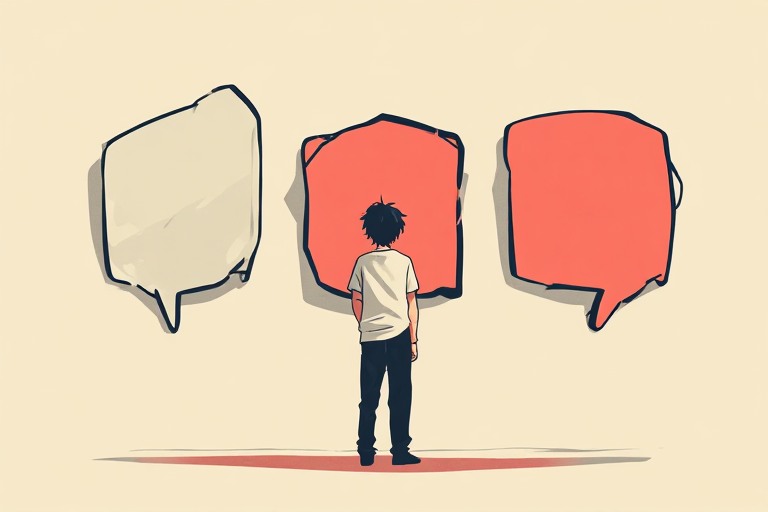 If you buy nothing else this year, buy one general-purpose assistant. This is the tool you talk to in plain English to draft emails, summarise long documents, plan, and answer questions. The three main options are ChatGPT, Claude and Gemini, and they are closely matched for everyday business work.
Pricing is almost identical. ChatGPT Plus is $20 a month, Claude Pro is $20 a month, and Google’s AI Pro is $19.99 a month (SentiSight pricing comparison). All three have a free tier, so the honest advice is to try the free version of each for a week and keep the one whose answers you trust. There is no wrong pick. The mistake is paying for all three.
If a few people on your team will use it, look at the business plans. ChatGPT Business and Claude Team both run at roughly $20 to $25 per seat per month and add admin controls and better data privacy (morphllm comparison, June 2026).
2. Add a tool for content and design
 If you produce a steady stream of social posts, flyers or simple graphics, a design tool with AI built in saves real hours. Canva is the obvious choice for non-designers. It has a free plan, and its paid tier is around $19.99 a month, which unlocks the AI features for writing copy, generating images and resizing a design for every channel at once (Tech.co, 2026).
The point of a tool like this is not to replace taste. It is to get you from blank page to a decent first draft in minutes. You still decide what looks right. For most small businesses, one assistant plus one design tool covers eighty percent of the day-to-day AI work.
3. Sort out your notes, docs and knowledge
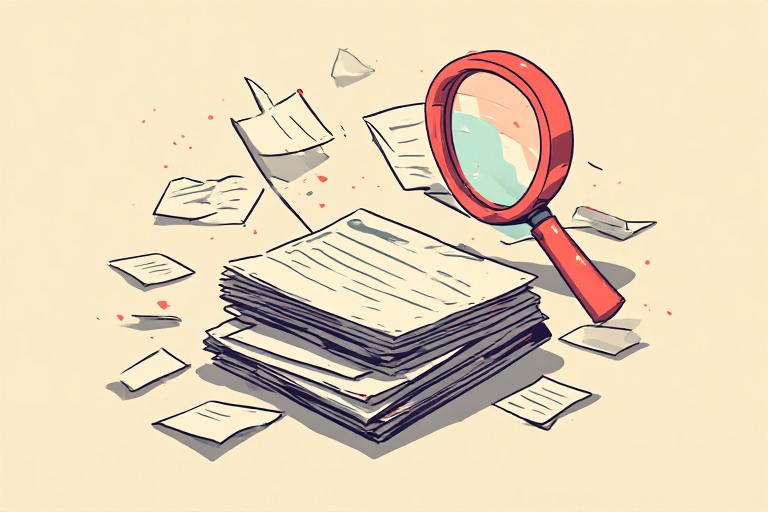 The third job is memory. Where do your processes, meeting notes and standard replies live? If the answer is “in my head” or “scattered across email”, an AI-enabled workspace helps. Notion is a common pick. It is free for individuals, and the Plus plan with full AI access is about $10 per user a month (MindStudio, 2026).
The value here is the AI can search and summarise everything you have written, so you stop rewriting the same answer for the tenth time. Be sensible about what you put in. Customer data and anything confidential deserve a second look at the privacy settings before you upload it.
4. Automate the admin you hate
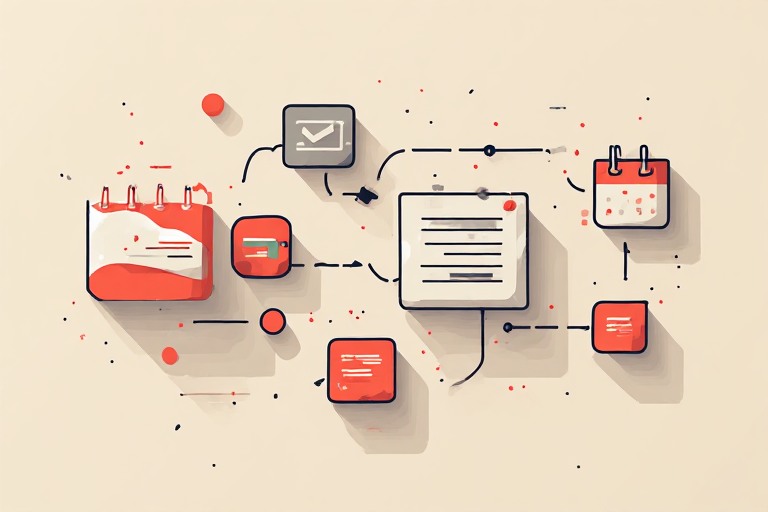 Once the basics stick, automation is where the time really comes back. Tools like Zapier connect your apps so a task in one triggers an action in another, with no code. A new enquiry can create a record, send a reply and add a follow-up to your calendar without you touching it.
This is also where a customer tool earns its place. HubSpot offers AI-assisted CRM, marketing and sales features, with starter pricing from roughly $9 to $15 per user (best AI tools roundup, 2026). A word of caution. Do not start here. Automation built on a messy process just makes the mess faster. Get the manual version working first, then automate it.
5. How to choose without wasting money
 The best AI software for SMEs is whatever fixes your biggest bottleneck this quarter. So work backwards. Write down the one task that eats the most time, pick the single tool that targets it, and use the free tier for thirty days before you pay a penny. Master that, then add the next.
Adoption is no longer the question. The U.S. Chamber of Commerce reports that 58% of small businesses now use generative AI, up from 40% a year earlier (U.S. Chamber of Commerce, via Capsule CRM). The owners getting value are not the ones with the most tools. They are the ones who picked a few, learned them properly, and built them into how they actually work. If you are not sure where to begin, our guide on how to start using AI without a tech team walks through the first steps, and the wider picture sits in AI for small business: what actually works in 2026.
The bottom line
Ignore the giant tool lists. Pick one assistant, add a design or docs tool if you need it, and only automate once the basics are second nature. The right stack is small, cheap to test, and built around the jobs you already do.
Want to explore AI for your business?
Book a free discovery call to discuss how AI can streamline your operations and unlock new opportunities.
calendar_today Book a discovery callEnjoyed this? Get The Boardroom AI Brief.
Every Tuesday, the 10 AI developments that actually matter for SMEs. One short email. Free.
Free · no spam · unsubscribe any time

// WRITTEN BY
James Anderson
AI and full-stack engineer helping SME owners understand and implement AI. Founder of AI in Business and host of the AI in Business channel on YouTube.
Learn more about James →[ MORE ] RELATED READING
You might also like.


// NEXT MOVE
Get the AI news that matters, every week.
Join The Boardroom AI Brief. One free email every Tuesday: the AI developments that matter for your business, rated for relevance and explained in plain English.